Hello, Countrymen, Profab Mini V3 is a 3D printer that has everything you would like to get from such a machine – but you will be sure after reading this review.
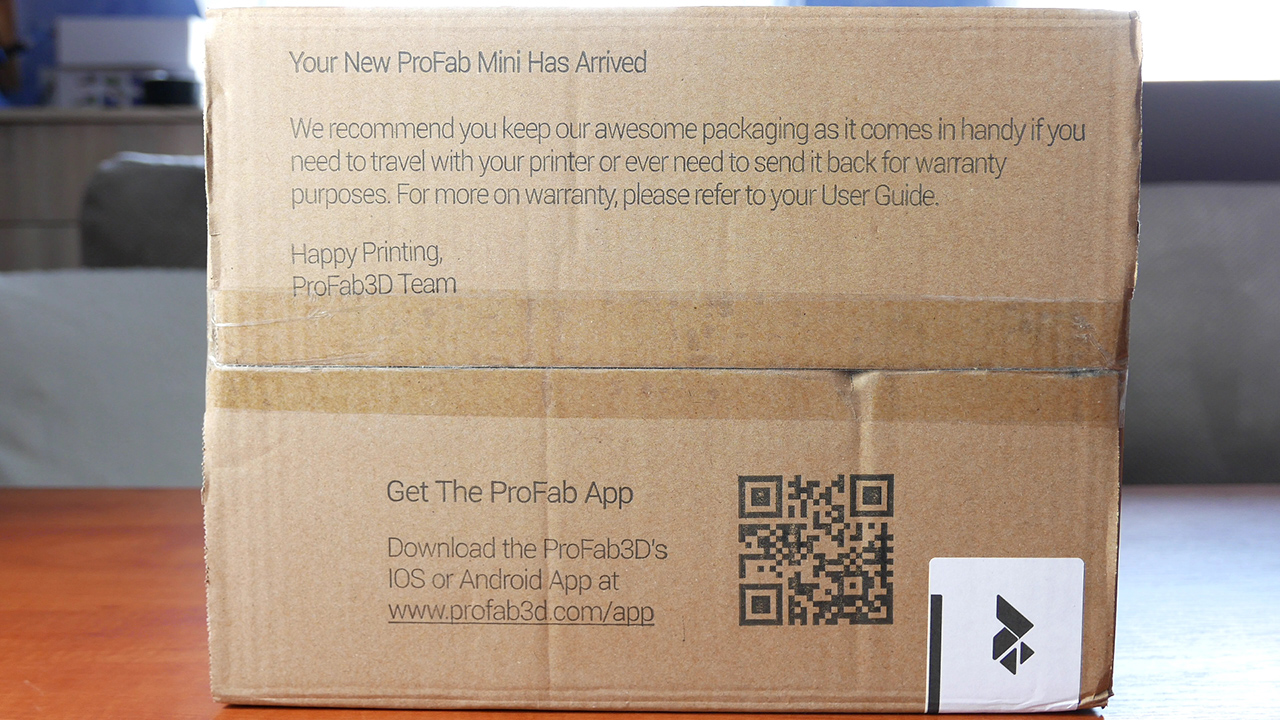
3D printers must be phenomenally protected for the time of travel, because even one bend invisible to the naked eye on, for example, the guide can cause significant loss of quality in the prints. Profab Mini, fortunately, came in a very well protected styrofoam form. In the middle of the additions we will find a yellow spatula to scrape our objects, usb cable, 1GB memory card for our printer, of course there is a power supply, an imbus, a small metal beam that supports the filament and the last element is the user manual – but don’t be scary its very simply written, so even if it is your first equipment of this type you will have no problems.
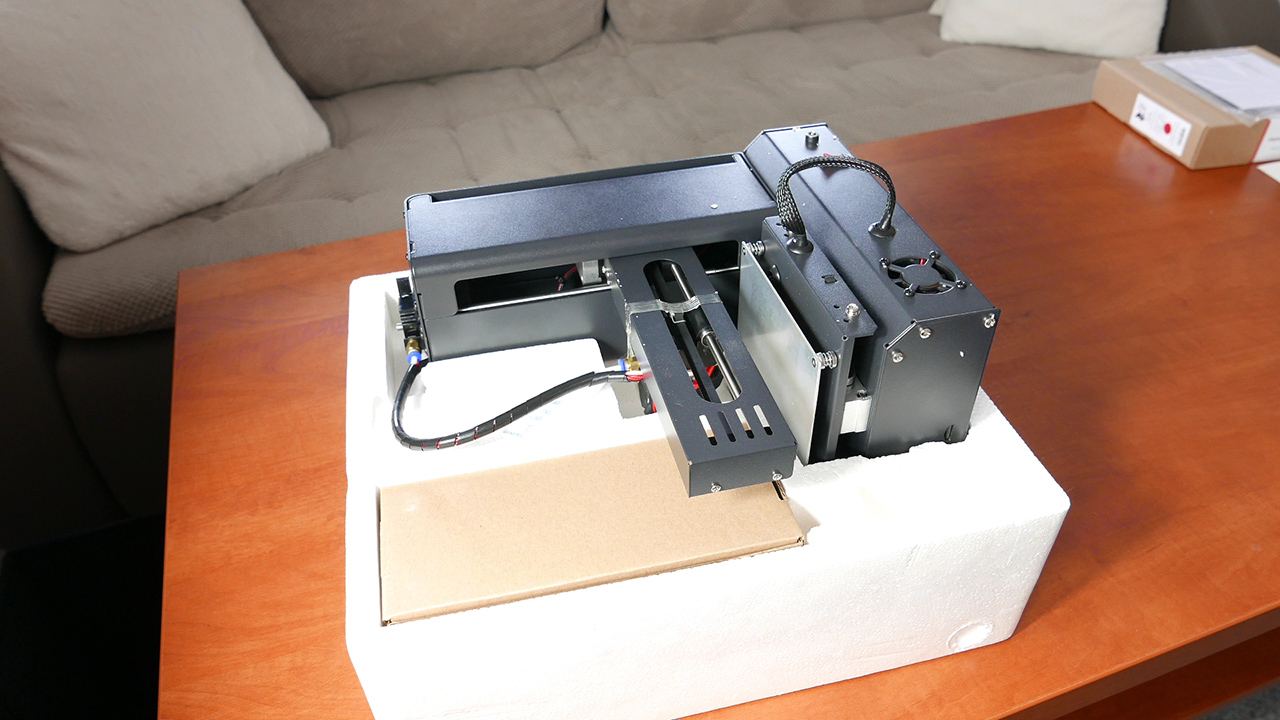
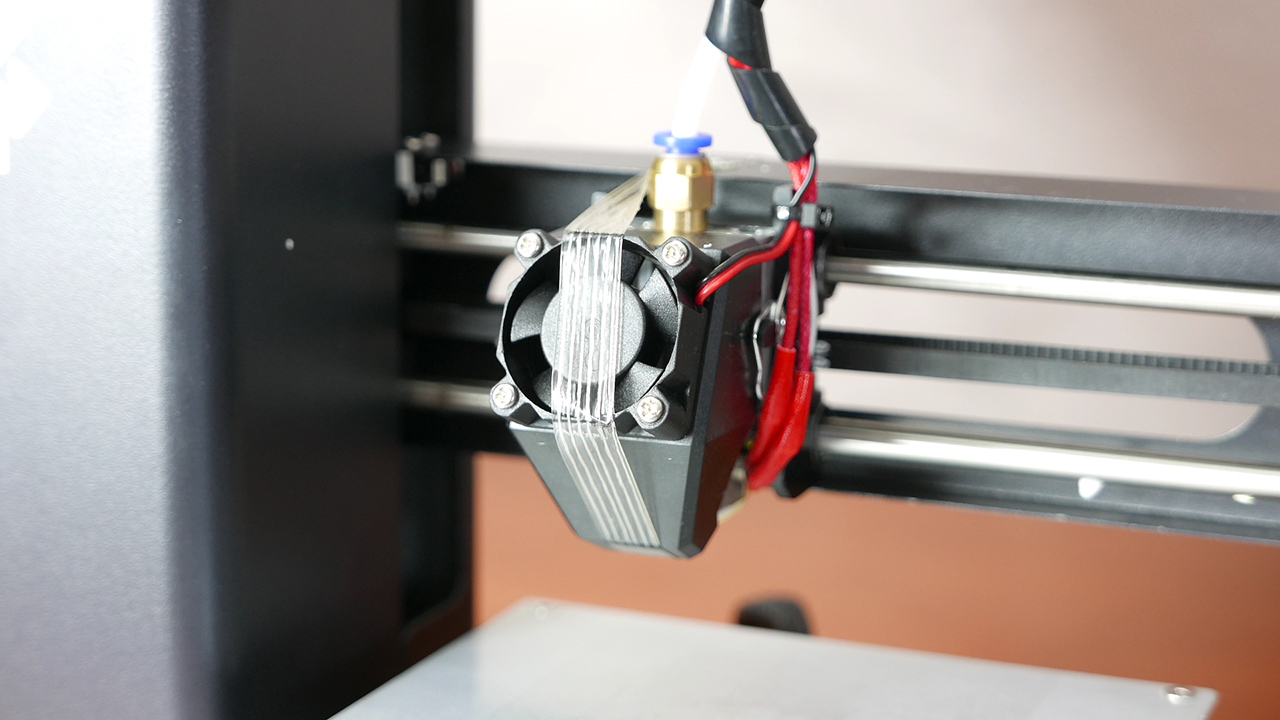
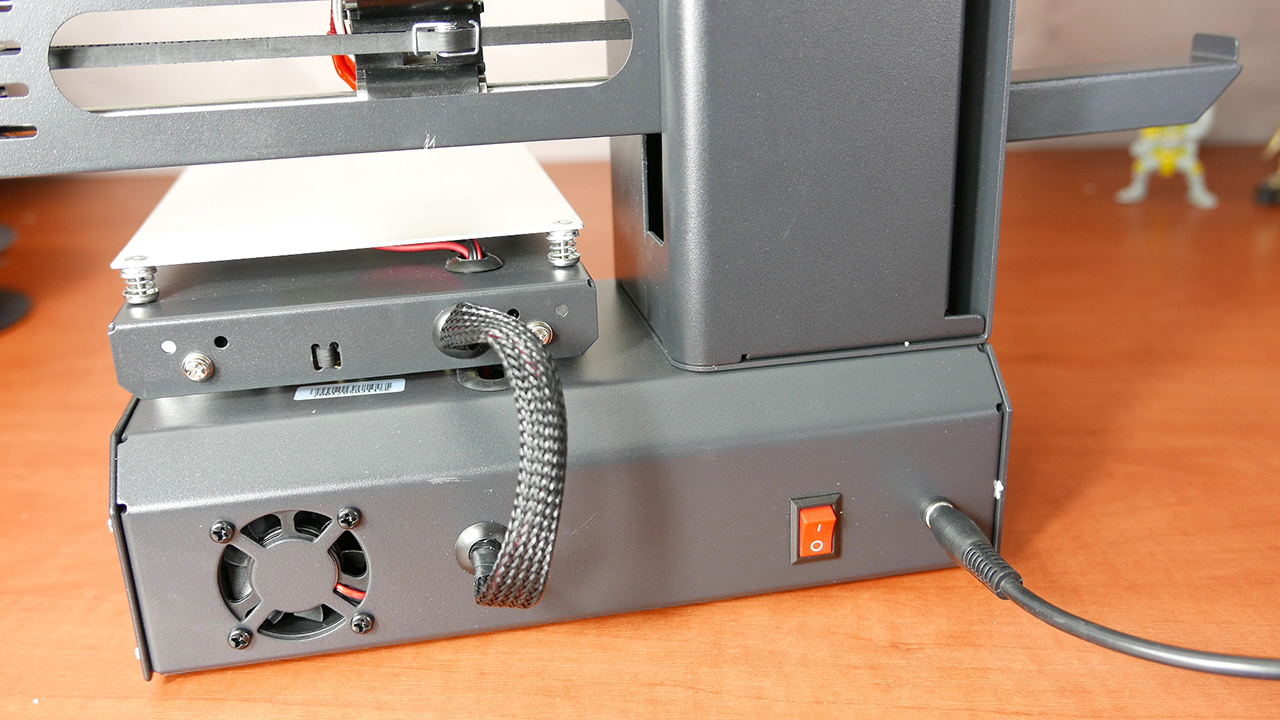
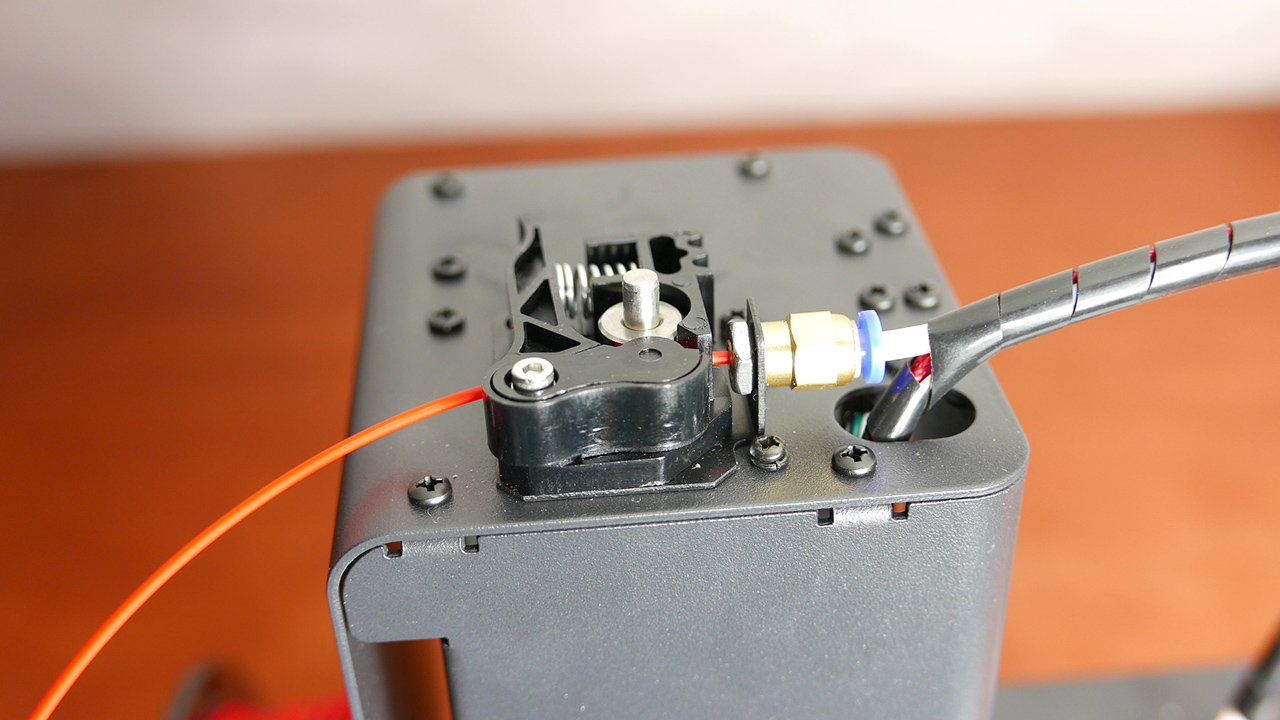
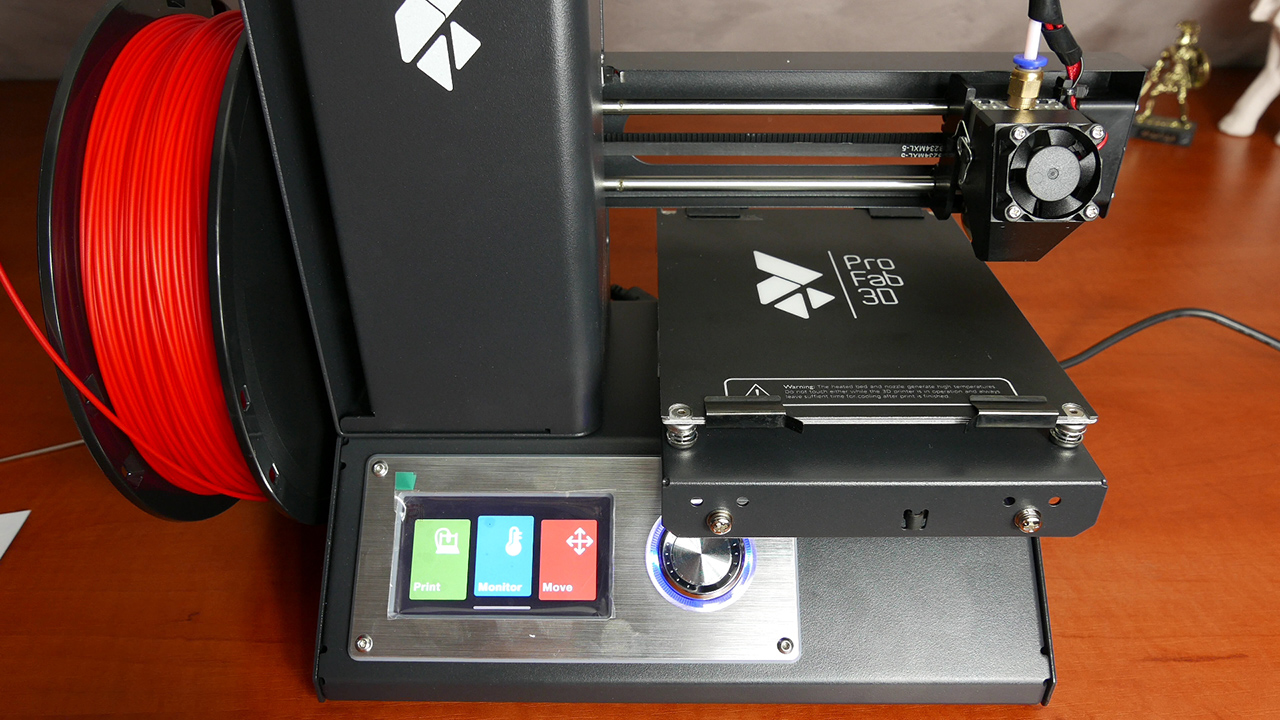
All right, let’s go together through the first few steps to start printing. At the beginning we release the protective tape from the extruder, then put the beam in a specially embossed place on the side of our printer, insert the SD card in the slot, connect the power cable and switch on the equipment. Everything works and there are 3 categories of settings on the screen, but I will talk about them later. Now it’s time to put on the filament, we have a special spring mechanism on the top, just press and insert the filament through the two holes straight into the tube, then push it – until you feel the resistance. I also have a special BuildTak base for the filament to adhere better, and the print itself element should be easier. to remove. Installation of this is trivial, in the corners we have 4 screws, you have to unscrew them and special clips that were attached to the set need to simply slide between the table and the screws. Then we fold it back together. The whole stage is repeated in every corner and that’s all. Now it’s time to precisely level the bed in relation to the nozzle. In this review I will not explain how to do it, on the Internet there is lot of different tutorials regarding this aspect.
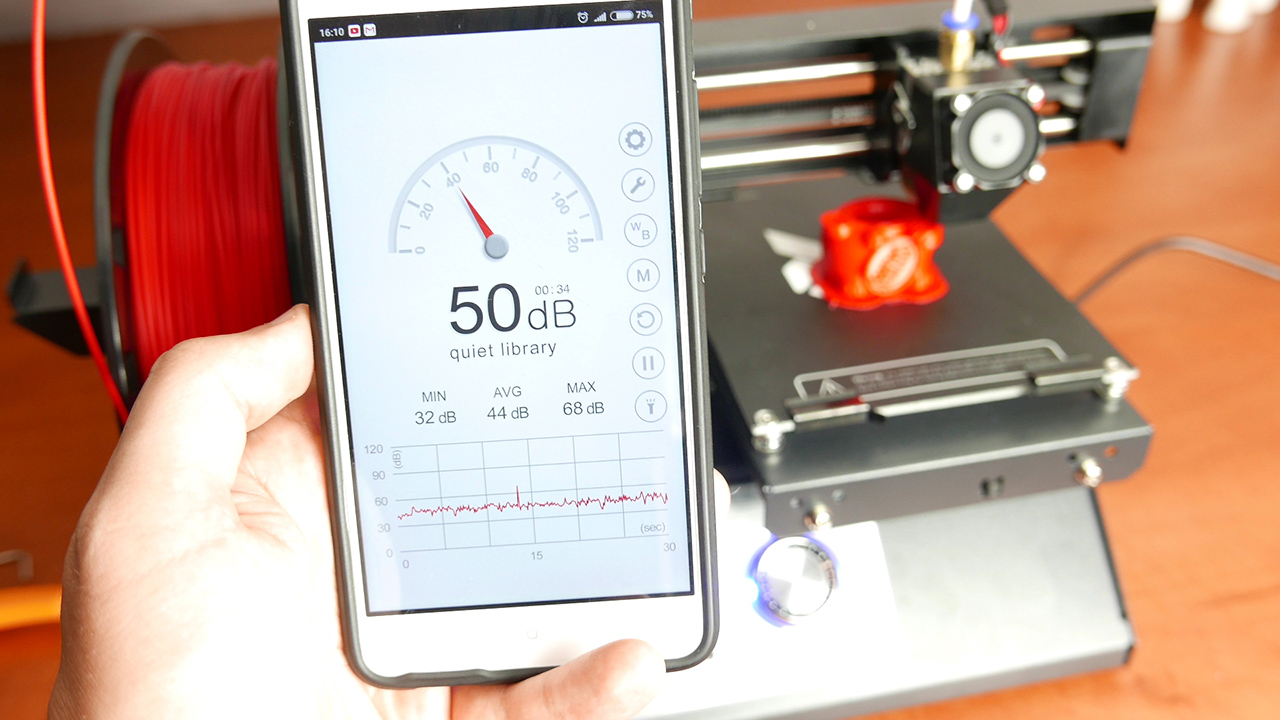
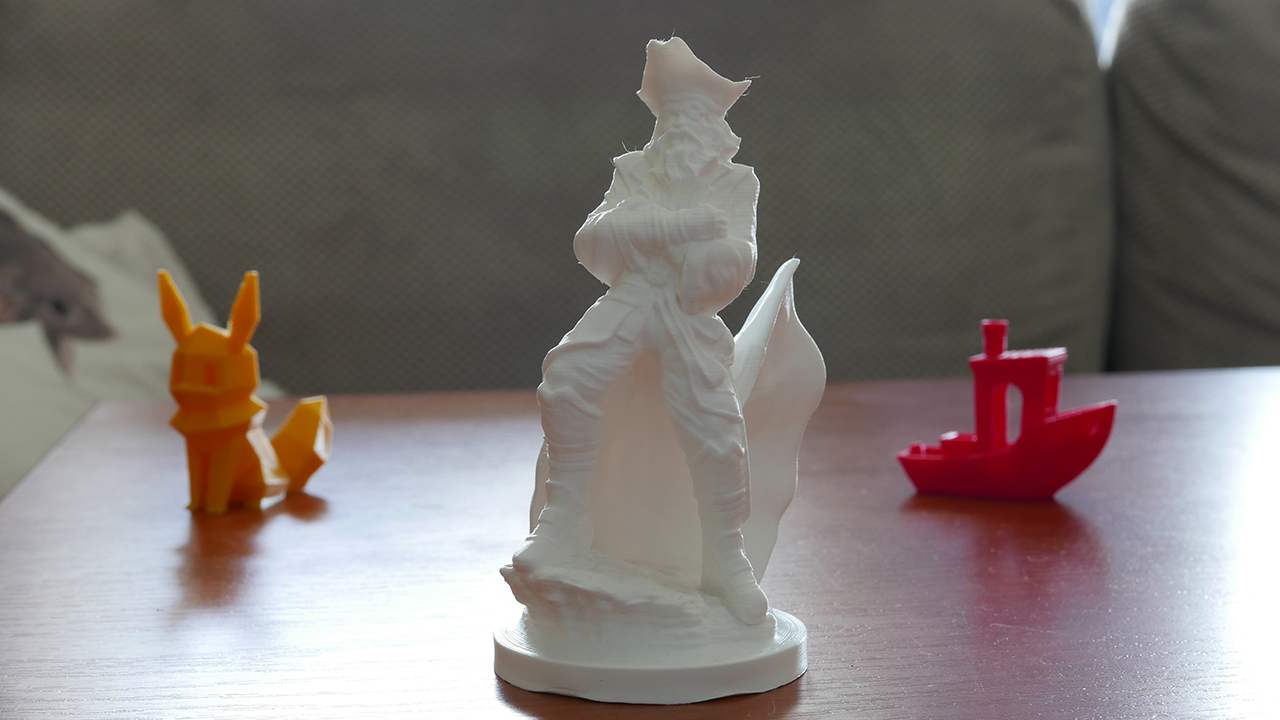
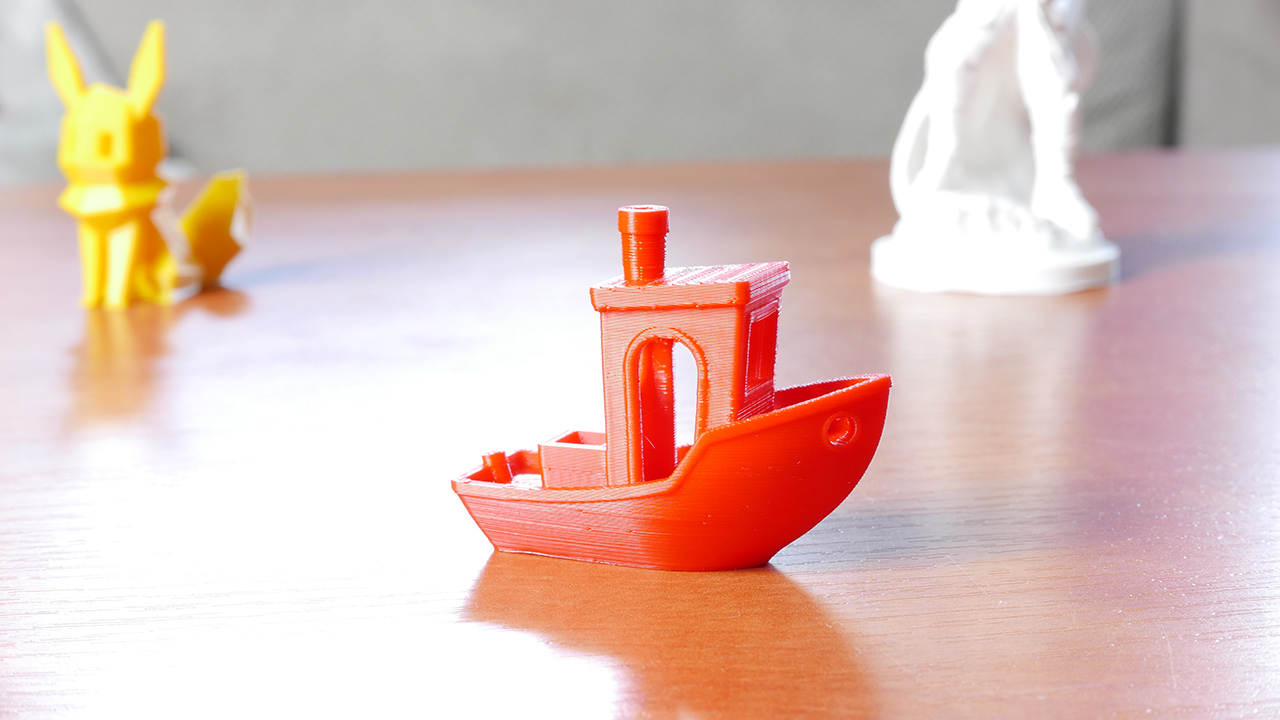
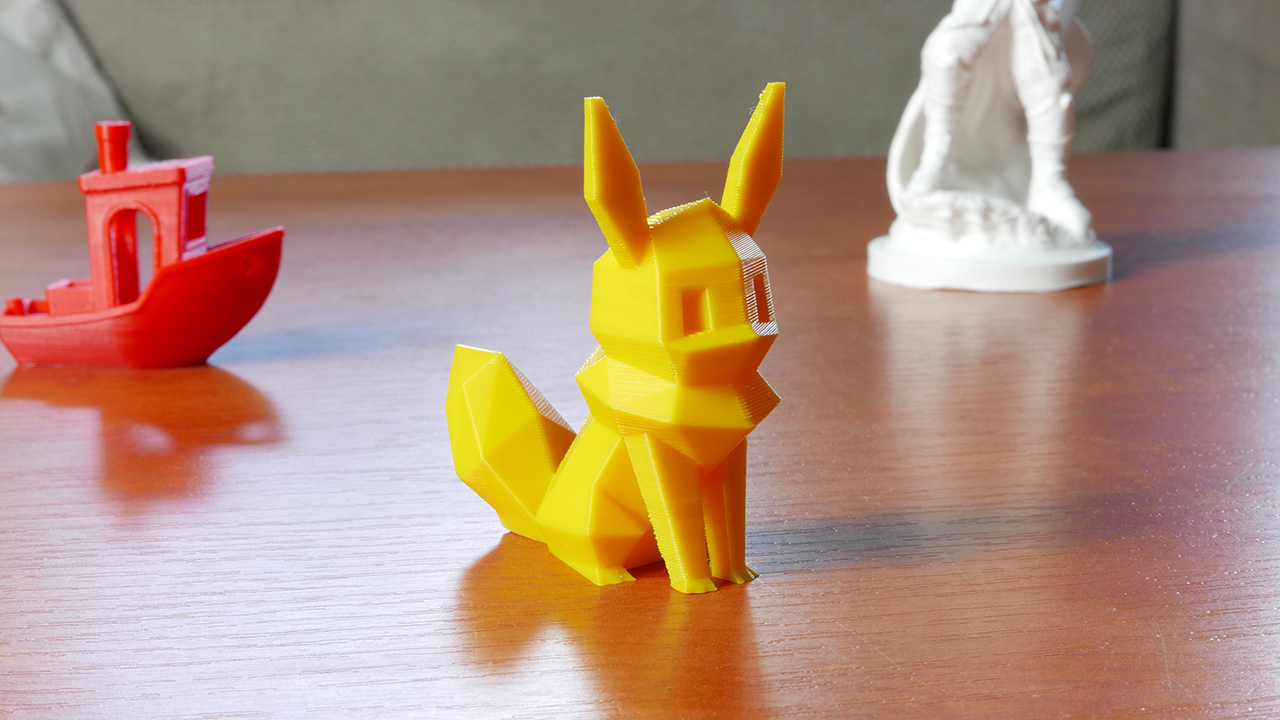
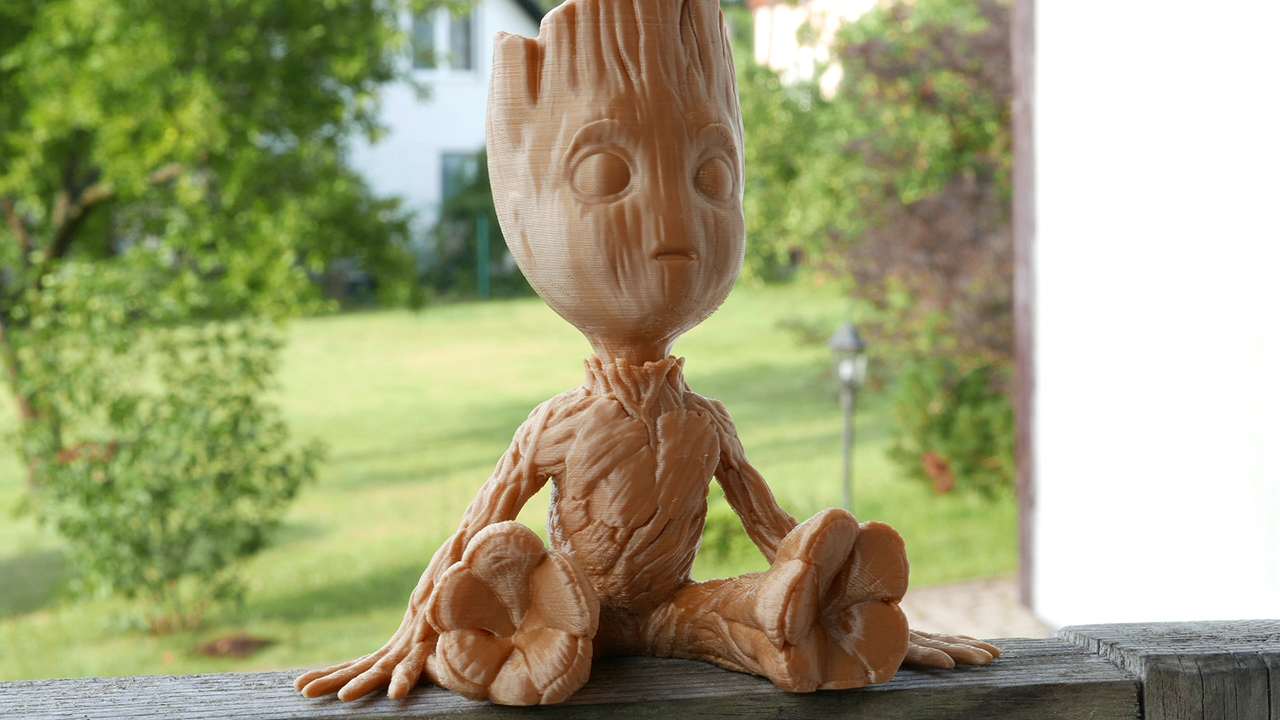
It’s time to turn on printing and see how it works, and above all, what quality we get in our printouts. The first shot went of course for a small boat/benchy, the red model is from our new printer, and white from Cetus3D which I reviewed earlier. I do not know if this will be seen in the pictures, but both have phenomenal quality with the point that the ProFab Mini in some places was better. Another element I print is low poly Pokemon, the quality is again very good, as you can see by yourself. However, here I noticed such small threads between the ears, that’s why I adapted the settings in the 3D program and printed a small model that tests retractions – as you can see now is all perfect. Another model this time I printed in very good quality, layers was set at 0.1mm, and the previous ones were standard at 0.2 – Here’s the pirate who just came out mega, the level of detail here is just great and I hope it will be seen on pictures below. Here, I have absolutely nothing to complain about, the object went out madly and I did not use any brackets. Okay, so I took another very detailed model, namely Groot, he went absolutely spotless – check the photo bellow.
ProFab Mini additionally has a heated table that heats up to a maximum of 90 ° C. So more demanding filaments are possible to print here, as you can see I printed a cover for a sports camera and it went really well. Such rubber elements are the real testers of printers, and I’ve seen more than once that some of the 3D Printers, despite having a heated table, such prints just went wrong – but not here.
So this equipment has any disadvantages? Well – for many it can simply be the size of the table, because the printer can create a maximum cube of 12 x 12 x 12 centimeters. Looking at the standards, this is definitely a small print area. However, if you are not demanding and do not need to print large items like me, then it is enough for you. However, apart from this inconvenience, I did not notice anything in this printer that would bother me. The color screen works very well, we have there all the most important elements and configuration options. The printer works with almost all available programs like Cura or Simplfy3D, so you can adjust the print quality in every respect. The whole thing is already assembled, so you do not waste your time putting it together. It has a metal frame, and this not only affects the strength of the entire structure, but does not carry vibrations that can damage the prints. As if that were not enough we have Wi-Fi build in, so from the level of the phone you can follow the progress of printing – unfortunately for that option we have to wait but devs say „the application is available very soon”.
Summing up: ProFab Mini v3 is a great printer that gives us very good print quality and does not take up much space as the whole is compact. The price of such a device is about PLN 1,100, so pritty high – but you get everything you expect from the printer. We deffinetly recomend thath printer and from us we gave them our Sticker of Power. Well, what an optimistic accent we will finish the test, thank you for keeping your attention and see you soon.
20 Euro discount in shop https://www.printfab3d.com/ use code: graczofil